Case
Bird Watcher
A field guide and life list for birders.
Project
Side project
Design & Build
Ongoing
Web Design
Preview
Overview
The brief
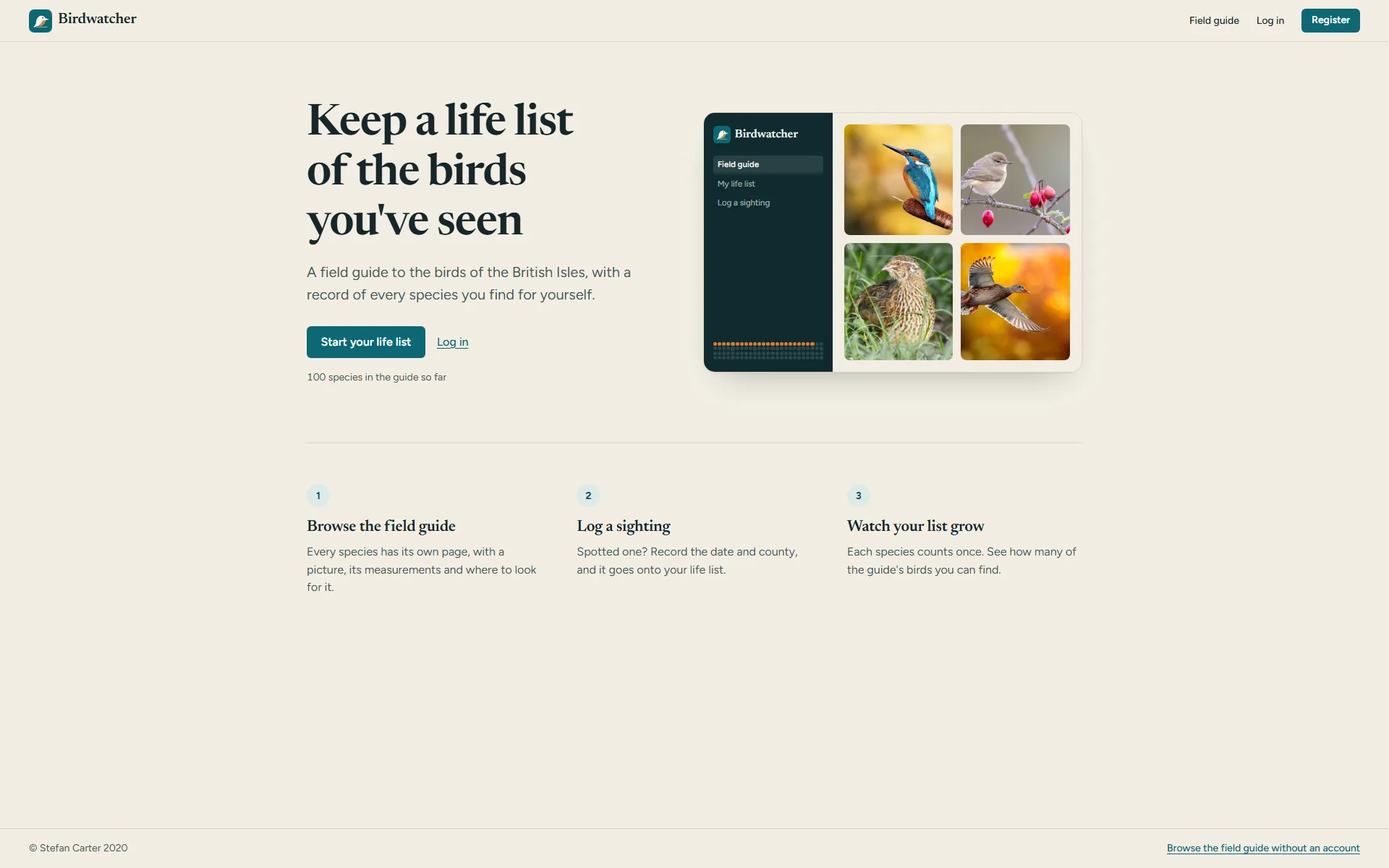
Birding happens in cold fields, gloves on, with seconds to act. Bird Watcher logs sightings fast and helps you identify what you saw.
A personal project. I designed, built and field-tested every part of it.
On screen
The app, up close
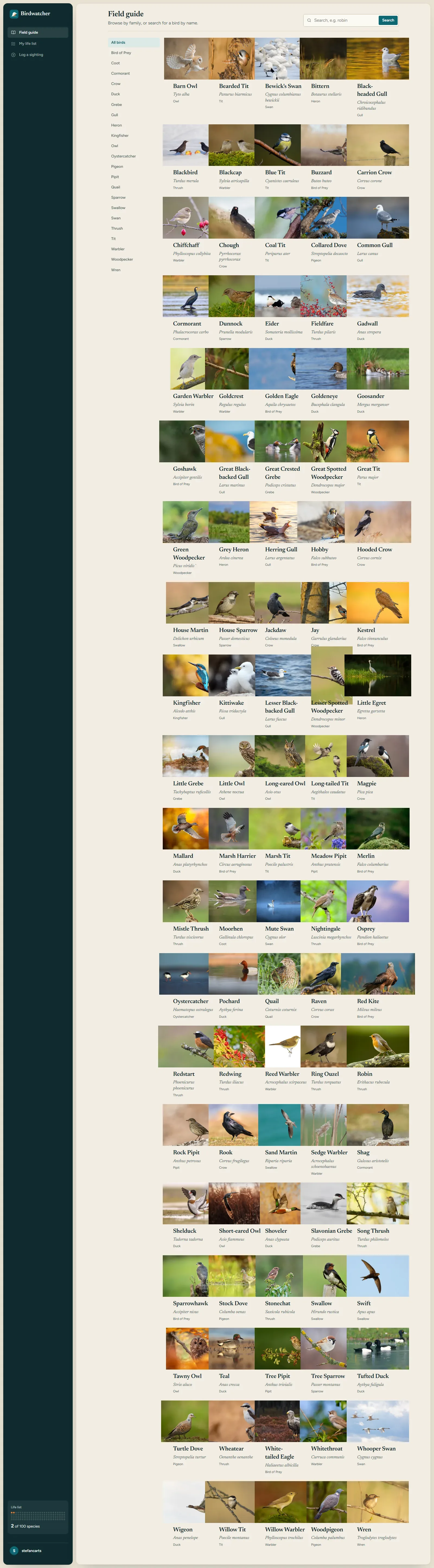
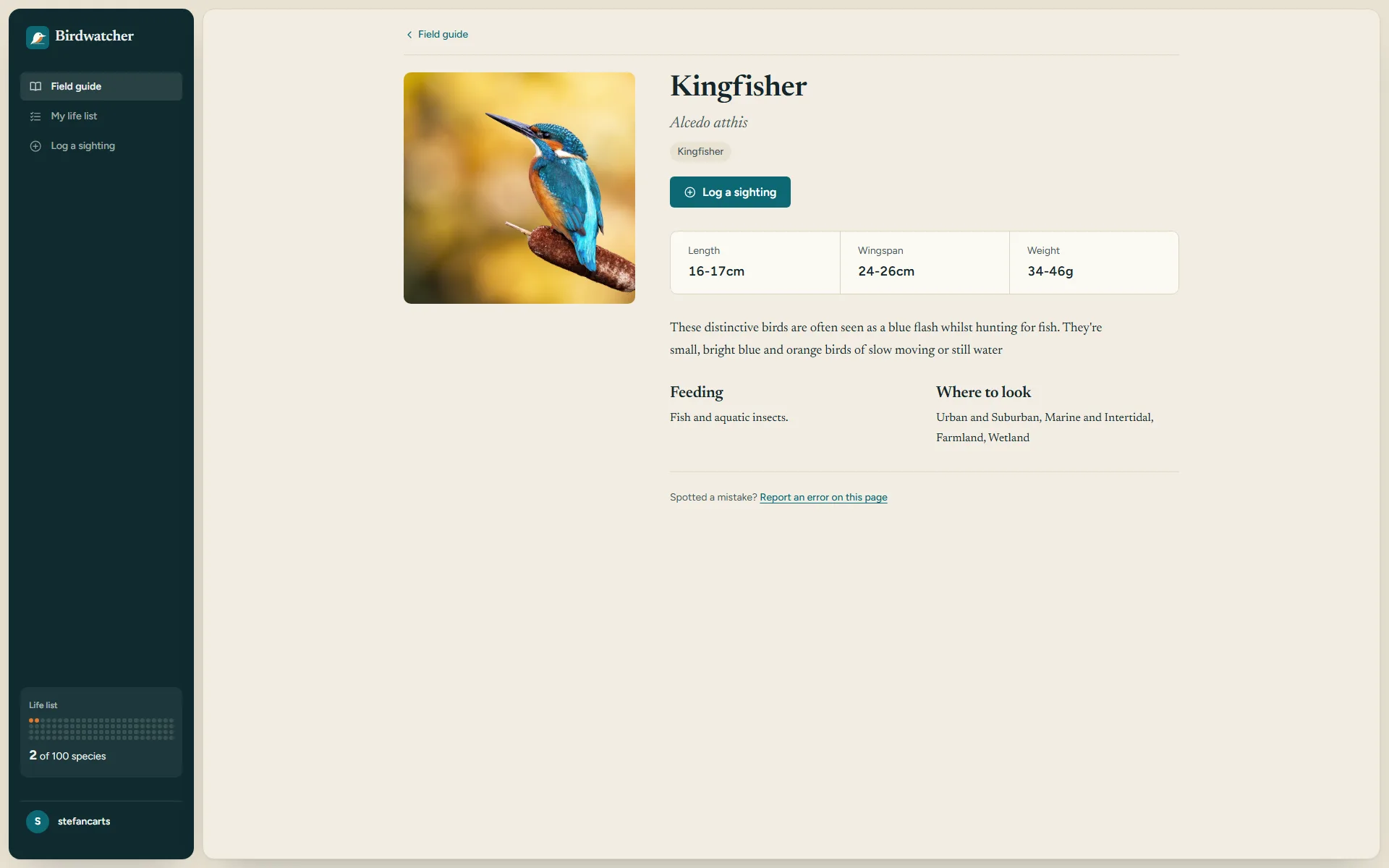
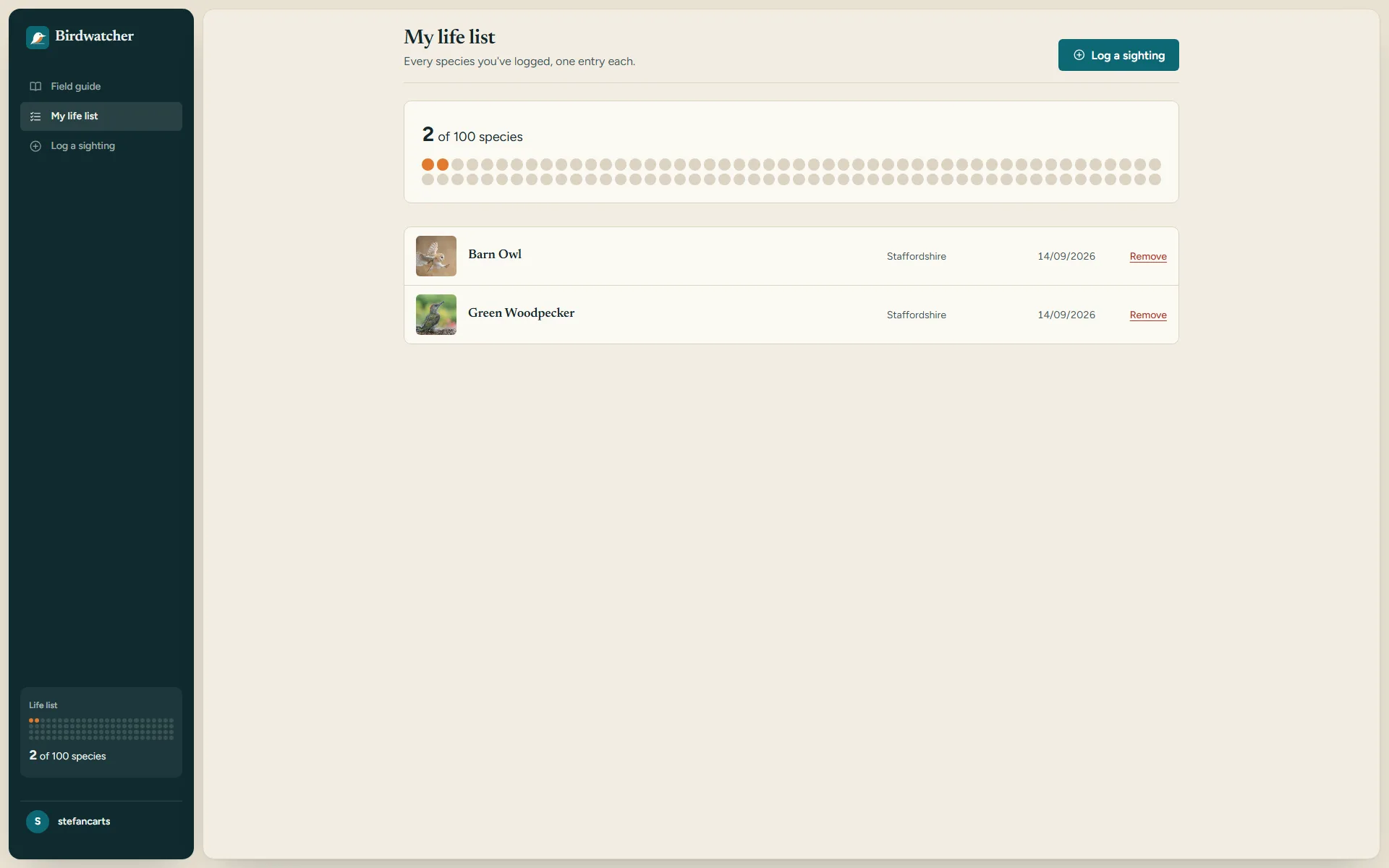
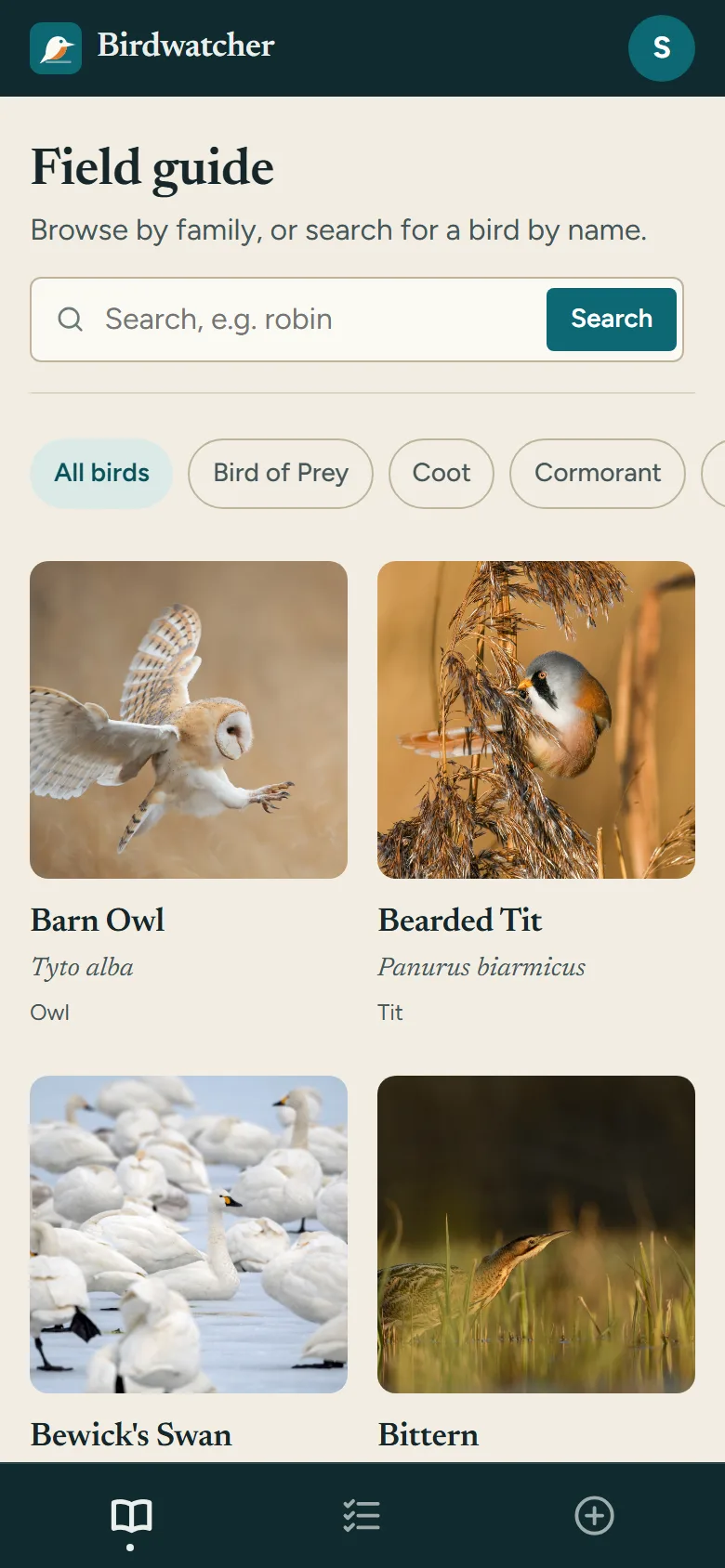
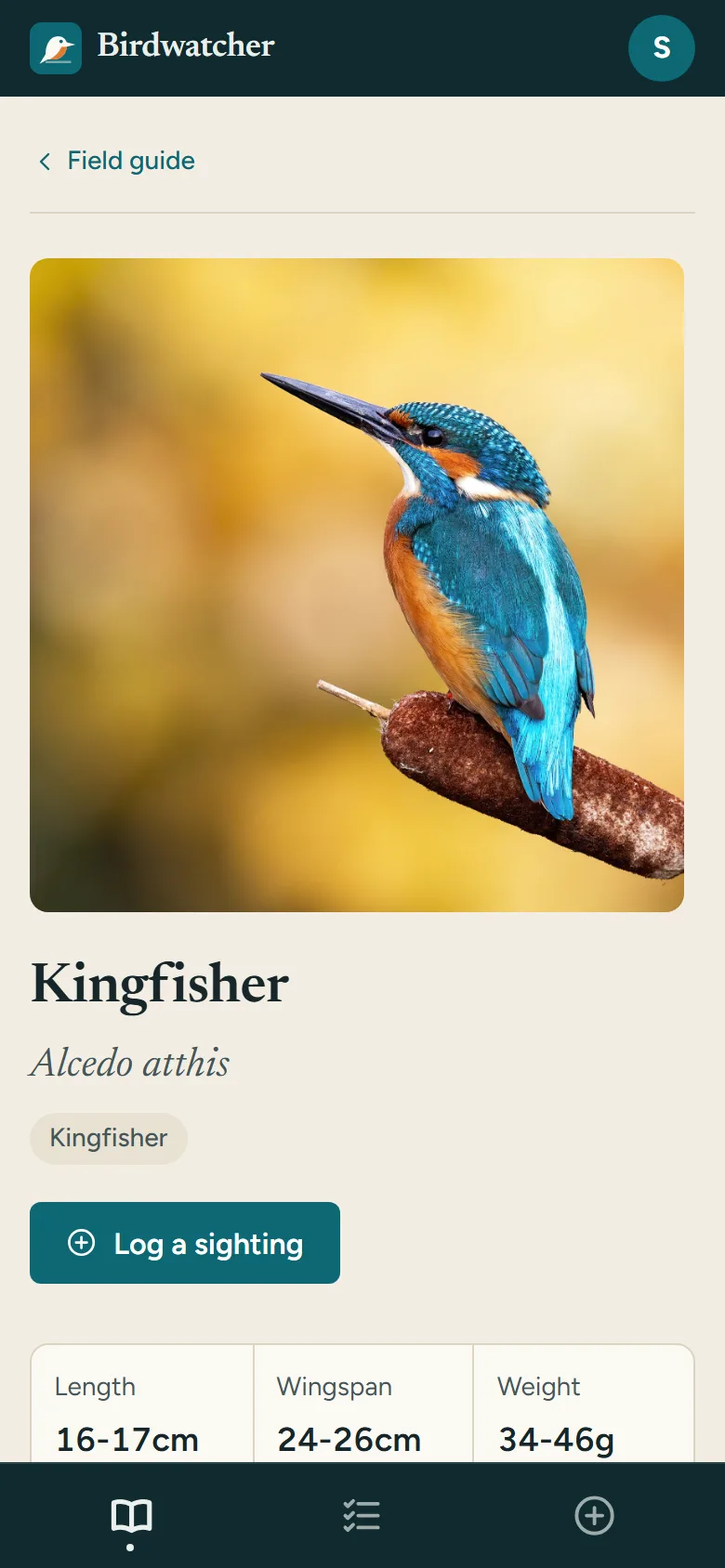
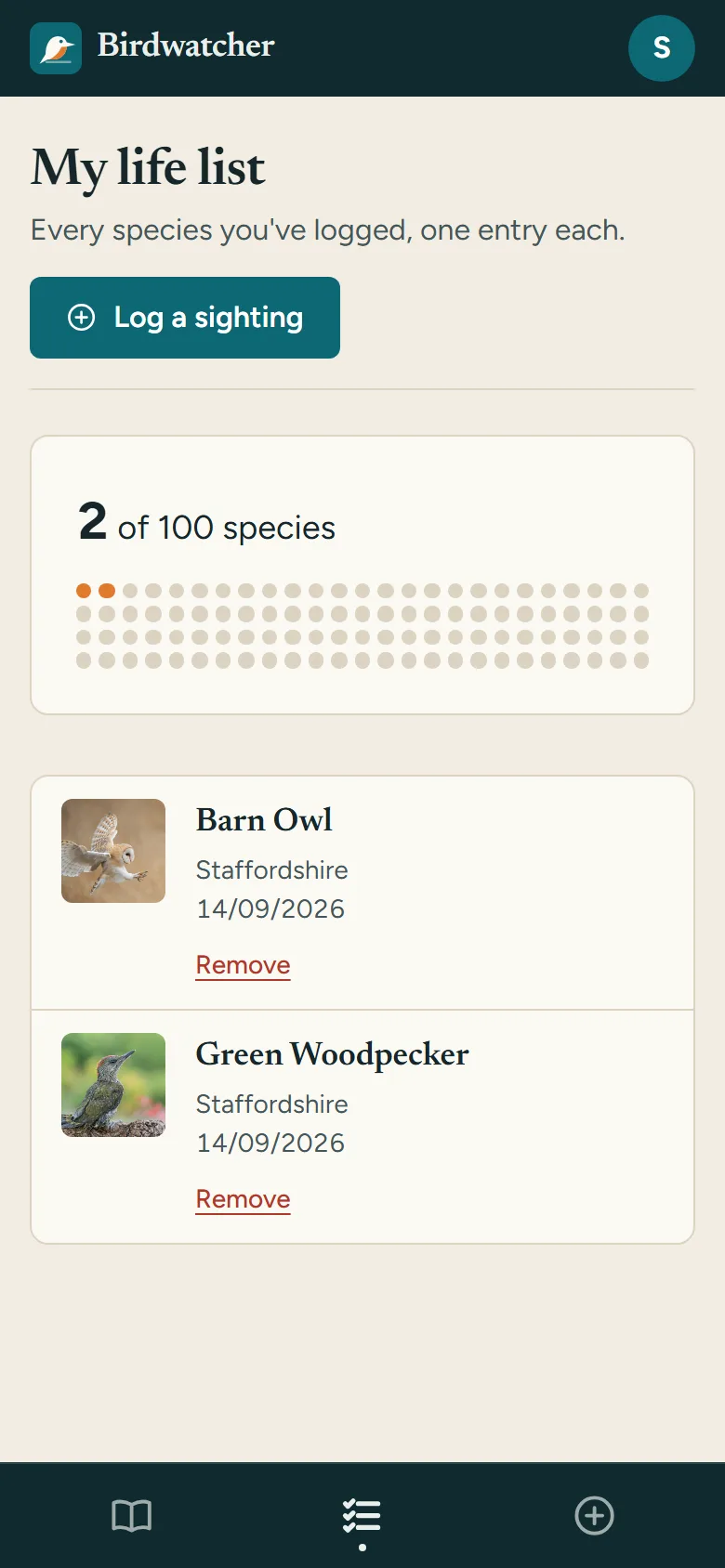
A field guide to British birds and a life list of the ones you’ve seen, in one app.
Full page
Desktop
Mobile
The challenge
What was in the way
Field testing, quite literally, shaped the priorities:
- Logging a sighting in other apps took longer than the sighting itself, so the moment was gone before the app caught up.
- Identification help was buried behind menus, when the whole point was needing it instantly, gloves on, bird already flying off.
- A lifetime of sightings added up to a list in every app I tried, not something that felt like progress.
The approach
How we got there
-
The fast log
Species, location and count, captured on one screen with one thumb, designed with gloves on in mind rather than a bare hand on a desk.
-
Identification at hand
A visual species library searchable by size, colour and habitat, so identifying a bird doesn’t mean guessing its name first.
-
Progress you can see
Sightings shown as dots filling in against the full species list, not a growing table nobody wants to scroll.
-
Built and field-tested by the person using it
Every part designed, built and tried out in the field myself, birding trip by birding trip, rather than guessed at from a desk.
The outcome
What shipped
An app built for the exact conditions it gets used in: cold, gloved, a few seconds to act before the bird moves on.
A personal project, designed, built and field-tested by me, end to end.
Next
Get in touch